MCP in .NET That Won’t Break at 2AM
Practical .NET guide to MCP C# SDK v1.0 with concrete C# patterns, retries, idempotency, observability, migration anti-patterns, and a production go-live checklist.

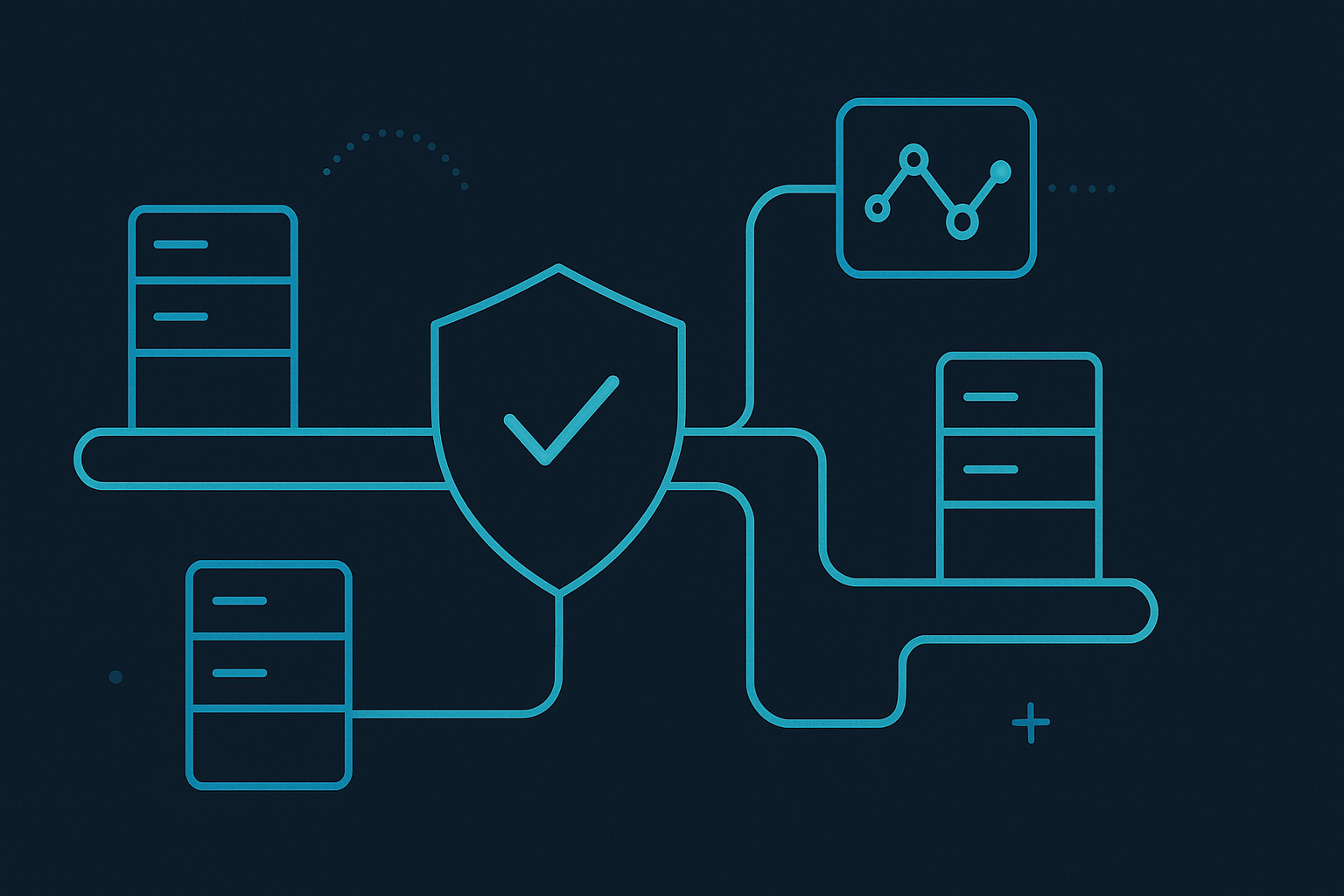
If your .NET agent stack is waking people up at night, the model usually isn’t the root cause.
The failures almost always sit at the tool boundary:
- inconsistent schemas
- hidden side effects
- retries in the wrong place
- weak timeout discipline
- no way to answer “what failed, where, and why?” in under five minutes
MCP gives that boundary shape.
This guide is for teams shipping real workloads with C# and .NET. We’ll focus on implementation details, migration traps, and operational safeguards that keep incidents boring.
SDK note: MCP C# SDK v1.0 type names and method signatures can vary across patch releases. Code below is production pattern-first and should be mapped to your exact package version.
The architecture mistake that causes most incidents
Most first-generation agent systems in .NET look like this:
Prompt -> Orchestrator -> AdapterA/AdapterB/AdapterC -> External APIsThe orchestrator slowly becomes a junk drawer containing:
- prompt logic
- schema mapping
- auth rules
- retry logic
- transport details
- business decisions
That coupling guarantees drift.
Use MCP to enforce a cleaner split:
Prompt -> Orchestrator (MCP client) -> MCP server(s) -> Domain systemsNow each layer can be tested, versioned, and observed independently.
A production-ready .NET layout (concrete)
Use four layers, intentionally:
- Orchestrator API (ASP.NET Core)
- workflow state
- model interaction
- policy decisions (what tool may run)
- MCP Invocation Layer
- discovery + tool catalog caching
- typed request/response mapping
- normalized error mapping
- Domain MCP Servers
- stable contracts per domain: billing, support, CRM, docs
- server-side authorization + tenant enforcement
- Connector Layer
- API clients, queues, DB calls
- circuit breakers, rate limits, and backoff
The key rule: business side effects happen behind MCP server code, never directly in the model loop.
C# implementation: baseline that survives load
1) Centralize MCP clients and timeout budgets
var builder = WebApplication.CreateBuilder(args);

builder.Services.AddHttpClient("mcp-support", c =>
{
    c.BaseAddress = new Uri(builder.Configuration["Mcp:Support:Url"]!);
    c.Timeout = TimeSpan.FromSeconds(15); // transport timeout
});

builder.Services.AddHttpClient("mcp-billing", c =>
{
    c.BaseAddress = new Uri(builder.Configuration["Mcp:Billing:Url"]!);
    c.Timeout = TimeSpan.FromSeconds(12);
});

builder.Services.AddSingleton<IMcpToolInvoker, McpToolInvoker>();
Don’t allow random timeout values across features. Set budgets by domain and enforce them in one place.
2) Use typed contracts + validation before invocation
public sealed record CreateTicketInput(
    string TenantId,
    string CustomerId,
    string Subject,
    string Priority,
    string Description,
    string IdempotencyKey);

public sealed record CreateTicketResult(
    string TicketId,
    string Status,
    DateTimeOffset CreatedAtUtc);
public static class ToolInputGuard
{
public static void EnsureValid(CreateTicketInput input)
{
if (string.IsNullOrWhiteSpace(input.TenantId)) throw new ArgumentException("TenantId required");
if (string.IsNullOrWhiteSpace(input.IdempotencyKey)) throw new ArgumentException("IdempotencyKey required");
if (input.Description.Length > 8_000) throw new ArgumentException("Description too long");
}
}3) One invocation path with telemetry + cancellation
public sealed class McpToolInvoker : IMcpToolInvoker
{
    private readonly ActivitySource _activity = new("App.Mcp");
    private readonly IMcpClient _client;
    private readonly ILogger<McpToolInvoker> _log;

    public McpToolInvoker(IMcpClient client, ILogger<McpToolInvoker> log)
    {
        _client = client;
        _log = log;
    }

    public async Task<TOut> InvokeAsync<TIn, TOut>(
        string toolName,
        string toolVersion,
        TIn input,
        TimeSpan budget,
        CancellationToken ct)
    {
        using var activity = _activity.StartActivity("mcp.tool.invoke");
        activity?.SetTag("mcp.tool.name", toolName);
        activity?.SetTag("mcp.tool.version", toolVersion);

        using var cts = CancellationTokenSource.CreateLinkedTokenSource(ct);
        cts.CancelAfter(budget);

        var start = Stopwatch.GetTimestamp();

        try
        {
            var response = await _client.CallToolAsync(toolName, input, cts.Token);
            return response.Deserialize<TOut>();
        }
        catch (OperationCanceledException) when (!ct.IsCancellationRequested)
        {
            _log.LogWarning("MCP timeout: {Tool} {Version}", toolName, toolVersion);
            throw new TimeoutException($"Tool '{toolName}' exceeded {budget.TotalMilliseconds}ms");
        }
        catch (Exception ex)
        {
            _log.LogError(ex, "MCP failure: {Tool} {Version}", toolName, toolVersion);
            throw;
        }
        finally
        {
            var elapsedMs = Stopwatch.GetElapsedTime(start).TotalMilliseconds;
            _log.LogInformation("MCP complete {Tool} {Version} in {ElapsedMs:0.0}ms", toolName, toolVersion, elapsedMs);
        }
    }
}
4) Retry policy: idempotent reads only
public static class RetryPolicy
{
    public static bool CanRetry(string toolName) => toolName switch
    {
        "search_knowledge_base" => true,
        "get_customer_profile" => true,
        "list_open_invoices" => true,
        "create_ticket" => false,
        "issue_refund" => false,
        "charge_card" => false,
        _ => false
    };
}
If you retry side effects blindly, you’ll create duplicate tickets, duplicate charges, and long incident calls.
5) Idempotency keys for side-effect tools
For non-idempotent operations, require an explicit key and enforce it server-side.
public interface IIdempotencyStore
{
    Task<bool> ExistsAsync(string tenantId, string key, CancellationToken ct);
    Task SaveAsync(string tenantId, string key, string resultHash, CancellationToken ct);
}
This is one of the highest ROI reliability controls in production.
Observability: minimum signals you need on day one
Track by tool.name + tool.version + tenant.id:
- request count
- success/failure/timeout rate
- p50/p95/p99 latency
- retries attempted
- downstream dependency class (http_4xx, http_5xx, timeout, validation)
Example OpenTelemetry setup:
builder.Services.AddOpenTelemetry()
    .WithTracing(t => t
        .AddAspNetCoreInstrumentation()
        .AddHttpClientInstrumentation()
        .AddSource("App.Mcp"))
    .WithMetrics(m => m
        .AddAspNetCoreInstrumentation()
        .AddHttpClientInstrumentation());
Log shape for incident triage:
{
  "event": "mcp.tool.failed",
  "tool": "issue_refund",
  "version": "2.1.0",
  "tenant": "acme-eu",
  "workflow": "support-refund-flow",
  "result_class": "dependency_error",
  "dependency": "payments-api",
  "trace_id": "..."
}
If your on-call engineer cannot filter failures by tool version in seconds, your observability is not production-ready.
Production pitfalls and practical remediations
Pitfall 1: Treating MCP server as a thin proxy
Symptom: business rules still live in orchestrator prompts.
Fix: move authorization, invariants, and side-effect guardrails into MCP server code.
Pitfall 2: No schema evolution policy
Symptom: tiny request shape changes break downstream consumers.
Fix: version contracts semantically (tool@1.x, tool@2.x), run old/new in parallel during migration.
Pitfall 3: Per-team custom error formats
Symptom: every workflow handles errors differently.
Fix: normalize error classes in MCP client layer (validation_error, timeout, dependency_error, unauthorized).
Pitfall 4: Timeout only at HTTP client level
Symptom: workflow still stalls due to nested awaits.
Fix: enforce per-tool budget with linked cancellation tokens at invocation boundary.
Pitfall 5: Missing tenancy enforcement
Symptom: accidental cross-tenant reads under load tests.
Fix: require tenantId in every tool input and verify against authenticated principal server-side.
Migration anti-patterns to avoid
- Big-bang rewrite
- Wrong move: migrate all adapters to MCP in one sprint.
- Better move: choose one domain, dual-run, then roll forward.
- “Compatibility shim forever”
- Wrong move: keep old adapters forever “just in case.”
- Better move: set a retirement date and delete dead paths.
- No traffic ramp
- Wrong move: 100% cutover same day.
- Better move: 10% -> 25% -> 50% -> 100% with error gates.
- Ignoring on-call feedback
- Wrong move: ship based on happy-path load tests.
- Better move: run game days and include incident responders in sign-off.
Rollout playbook (used in real teams)
Phase 1 — Inventory
- list tools by volume, business criticality, incident frequency
- identify side-effect tools and require idempotency keys
Phase 2 — Pilot
- migrate one bounded domain (e.g., support ticketing)
- add full traces and error-class metrics
Phase 3 — Dual-run
- execute old + MCP path in parallel for selected traffic
- compare outcome parity and latency/error deltas
Phase 4 — Ramp
- progressive percentage rollout with automated rollback thresholds
Phase 5 — Decommission
- remove legacy adapters
- keep runbooks and dashboards updated
Actionable go-live checklist
- [ ] Visible owner for each MCP tool (not shared ownership)
- [ ] Tool contracts versioned and documented
- [ ] Per-tool timeout budget + cancellation path verified
- [ ] Retry policy explicitly denies non-idempotent tools
- [ ] Idempotency keys enforced for side effects
- [ ] Authorization and tenant checks happen server-side
- [ ] OpenTelemetry traces include tool name/version/tenant/workflow
- [ ] Dashboard has p95/p99 + timeout + dependency error panels
- [ ] Alerting tied to error budget burn, not raw error count
- [ ] Runbook includes rollback steps and “disable tool” switch
If two or more boxes are unchecked, you are not ready for production traffic.
Final take
MCP in .NET is not “extra architecture.”
It is how you stop your orchestrator from becoming an untestable integration blob.
With MCP C# SDK v1.0, you can make tool invocation typed, versioned, observable, and governable — which is exactly what production systems need.
Ship the boundary, not just the demo.